A client deliverable in HTML
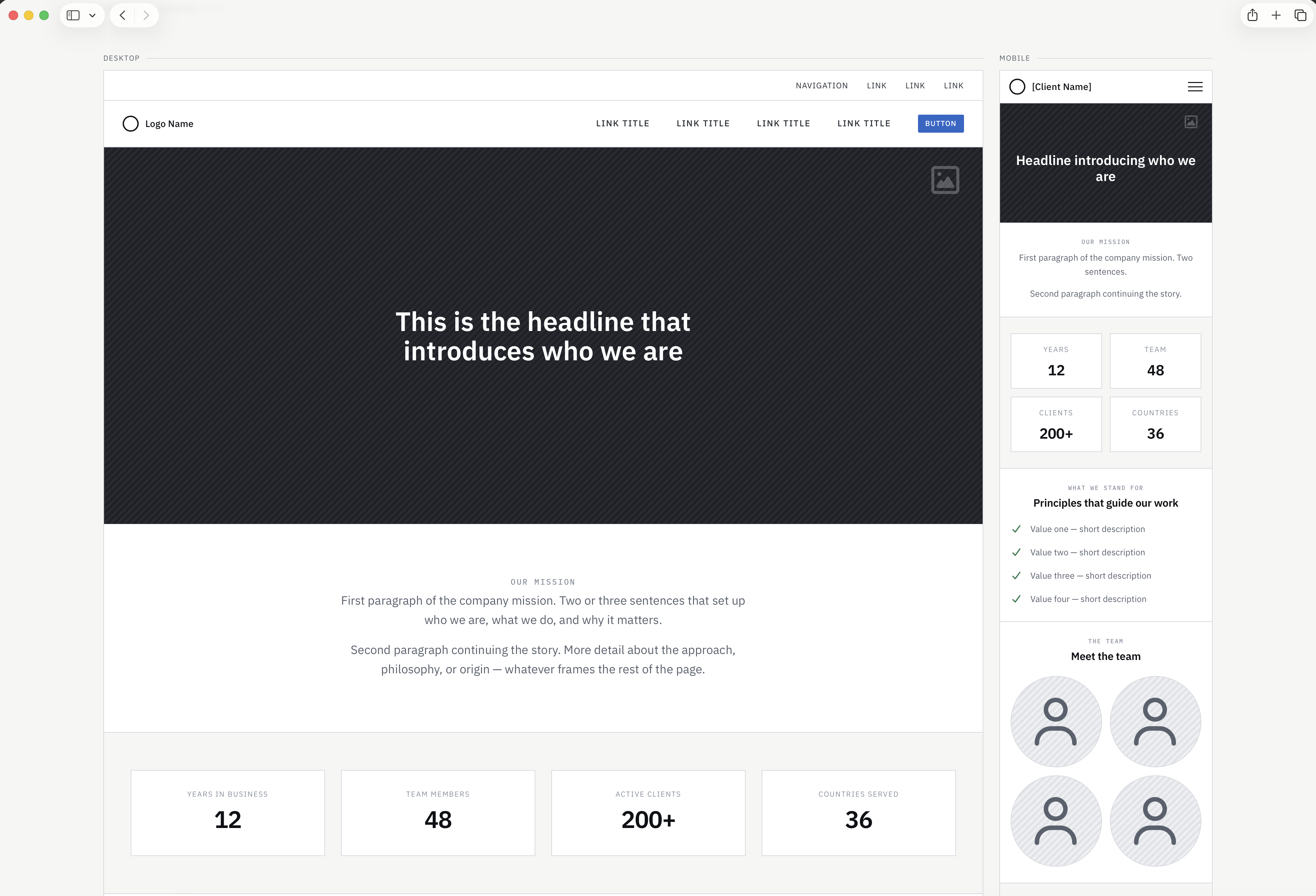
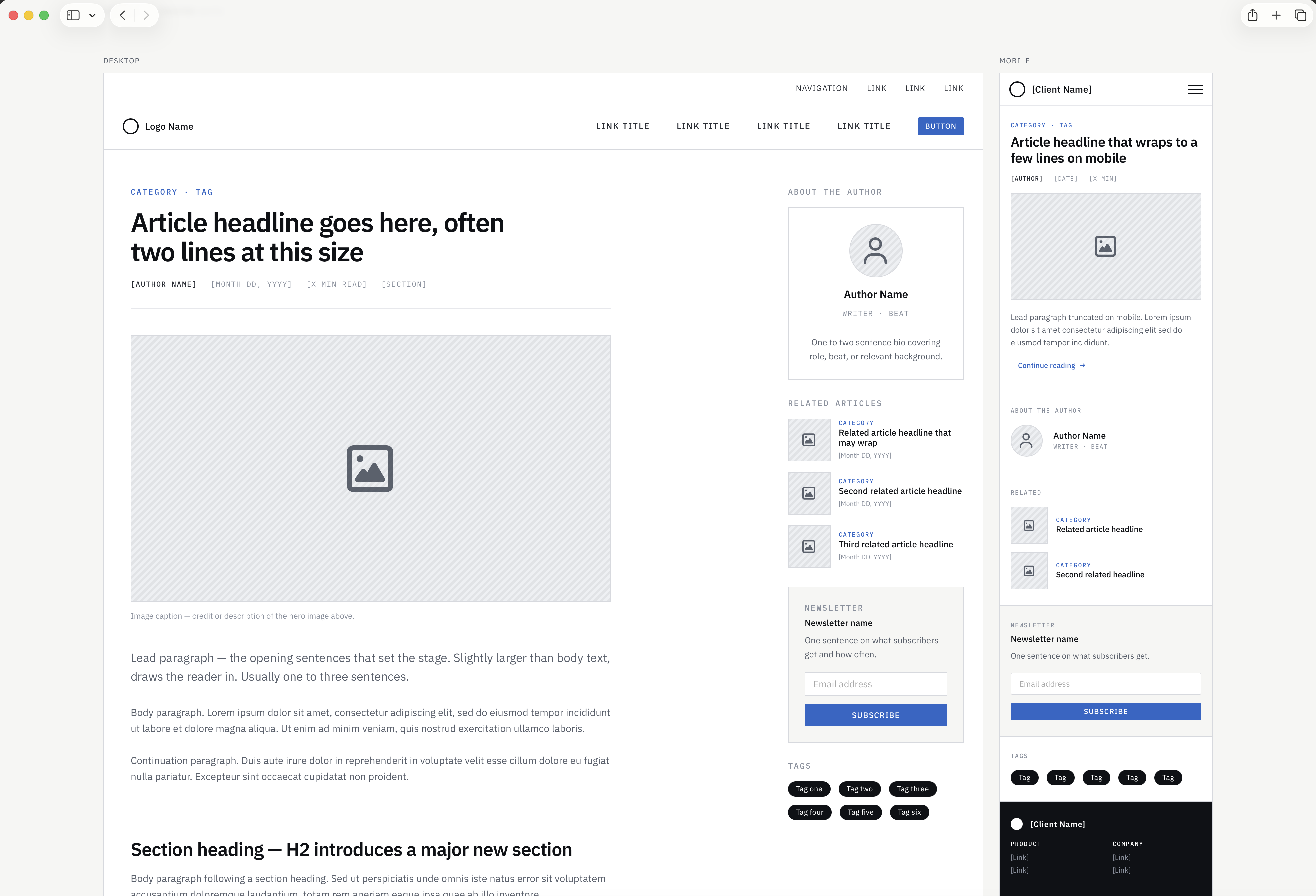
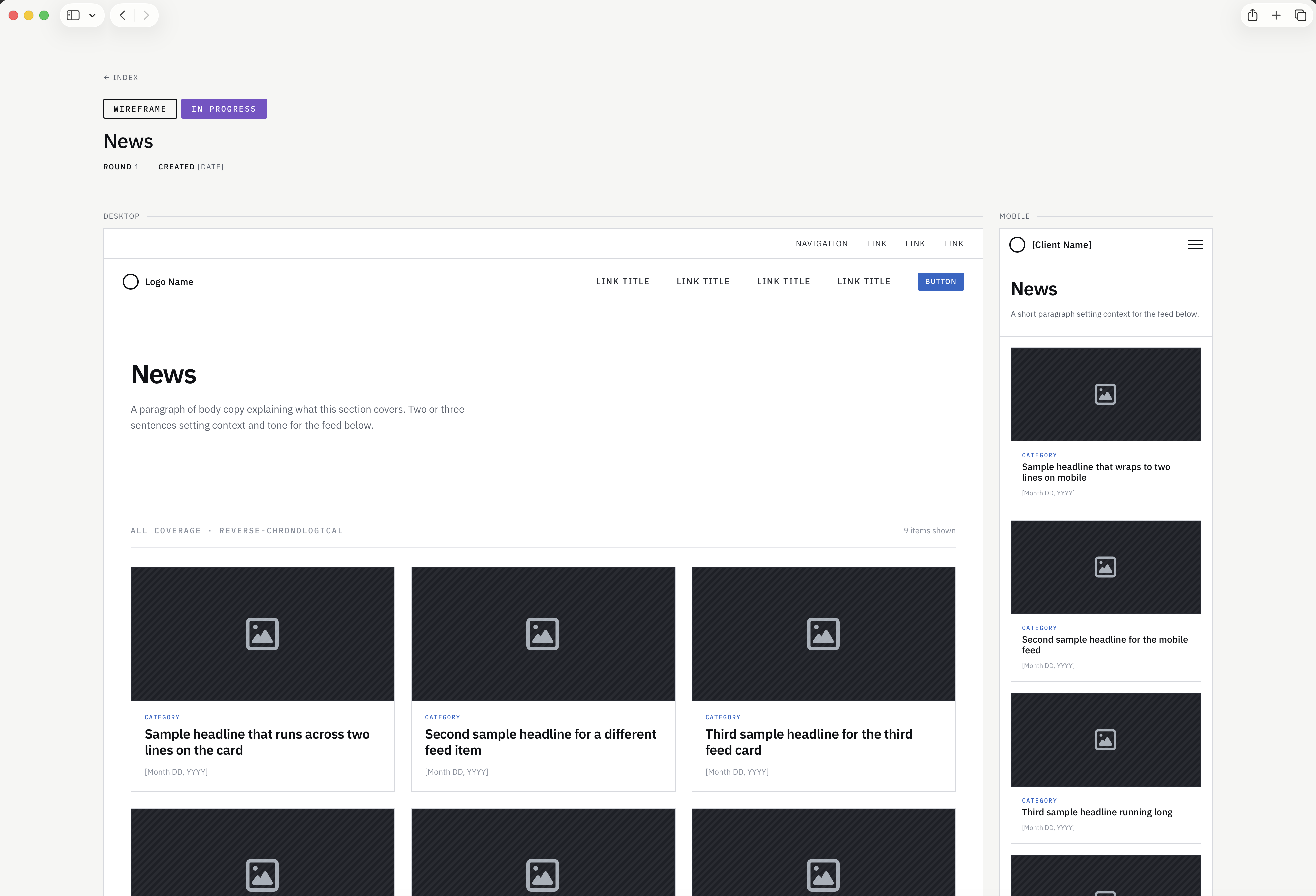
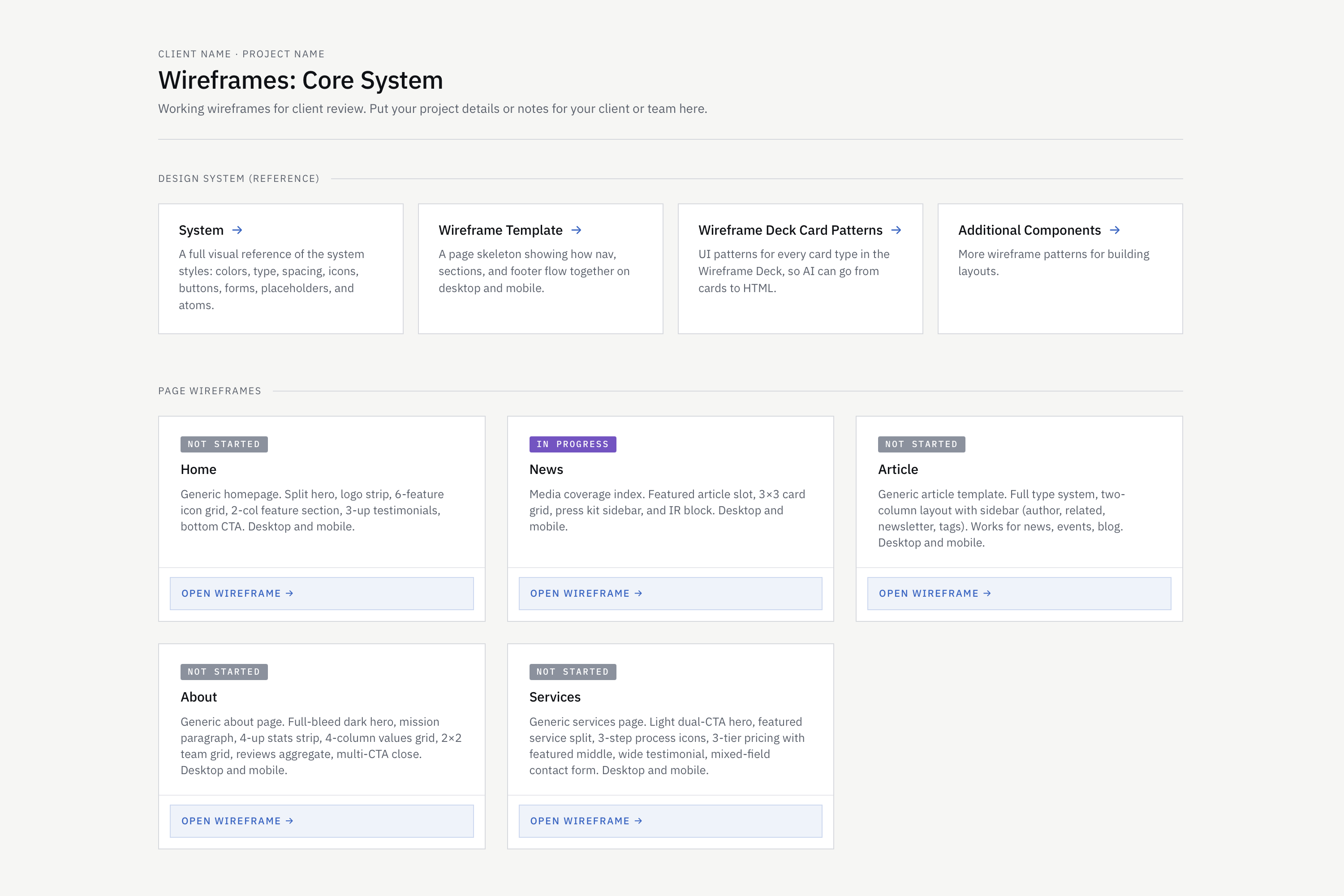
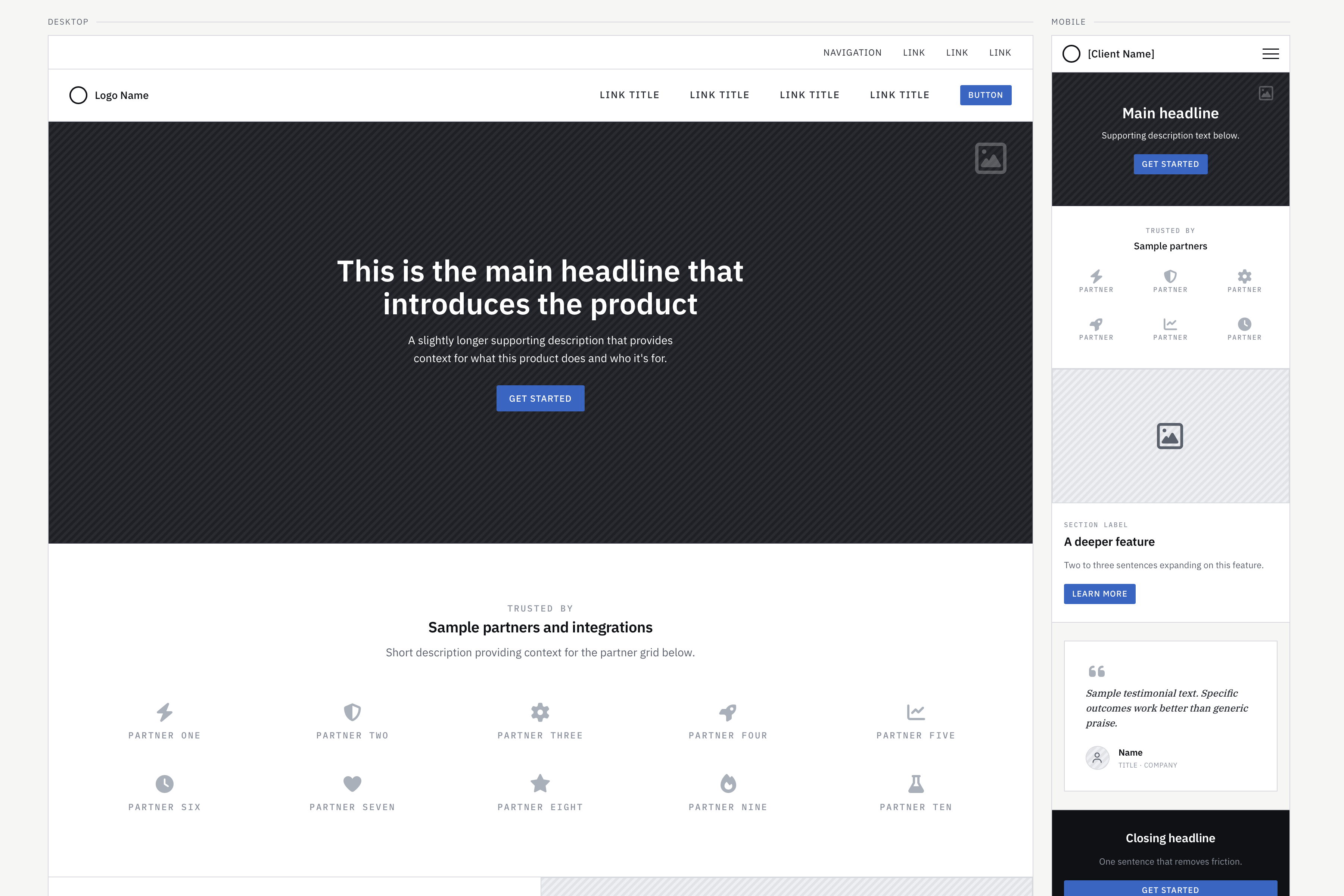
A project template gives you structure: desktop and mobile layouts on every page, example wireframes, and a shareable client index that AI updates automatically when you add pages.
AI speed with the structure of a shared design system.
Instead of a new AI design tool, get a system for the tools you already use. Your files, no subscription. Describe screens and get consistent HTML wireframes. Stop switching and start building.
Every month there's a new AI design tool. It almost works. Here's why a flexible, consistent HTML-based system is great for project and client work.
HTML wireframes live on your computer, not in the cloud. Edit anything. Share with teams and clients. Open them today or years from now. No subscription.
A project template gives you structure: desktop and mobile layouts on every page, example wireframes, and a shareable client index that AI updates automatically when you add pages.
HTML wireframes work best when AI isn't guessing. You fill out context.md with the project info, navigation, and pages in scope. The AI skills teach the model how the system works so output stays consistent session to session.
Because the wireframes are HTML, linking pages and states is straightforward. Just ask AI to make it clickable. No setup or different tools.
Not assets, a repeatable workflow. Prompted wireframes often in 30 seconds and optimized for Claude Haiku to reduce token usage.
Anyone can ask Claude for wireframes. What comes back doesn't follow shared styles or templates, with an updated client-ready wireframe index.
No new subscriptions. No new tools. Just a smart system that uses the AI you already pay for.
From brief to browser, fast. Optimized for Claude Code or hand off to Cursor, and more, with a prompt.
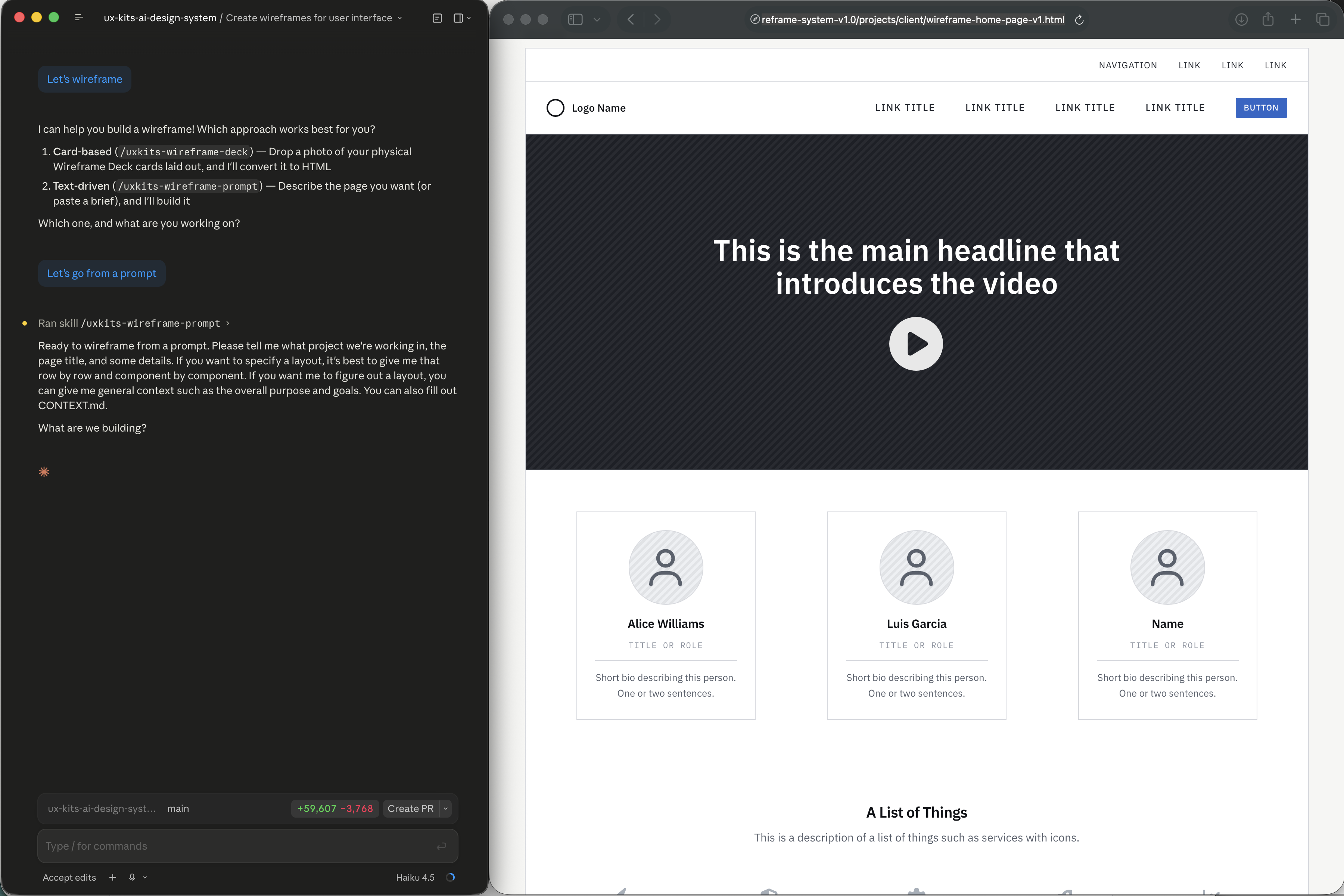
Go straight from prompts in Claude Code (or similar tools) to clickable, shareable HTML wireframes. Everything shares a consistent system, so you can make global CSS changes across a project.
Want a screen break? In a client meeting or workshop? Take photos of Wireframe Deck card layouts, drop them into Claude, and get HTML wireframes that share the same CSS library.
Stop re-explaining to your AI what a wireframe should look like and what your project is about. The CLAUDE.md context file teaches your AI the entire component library. The included Context.md gives you a framework to add project details. Focus on good UX, and let Claude build wireframes, fast.
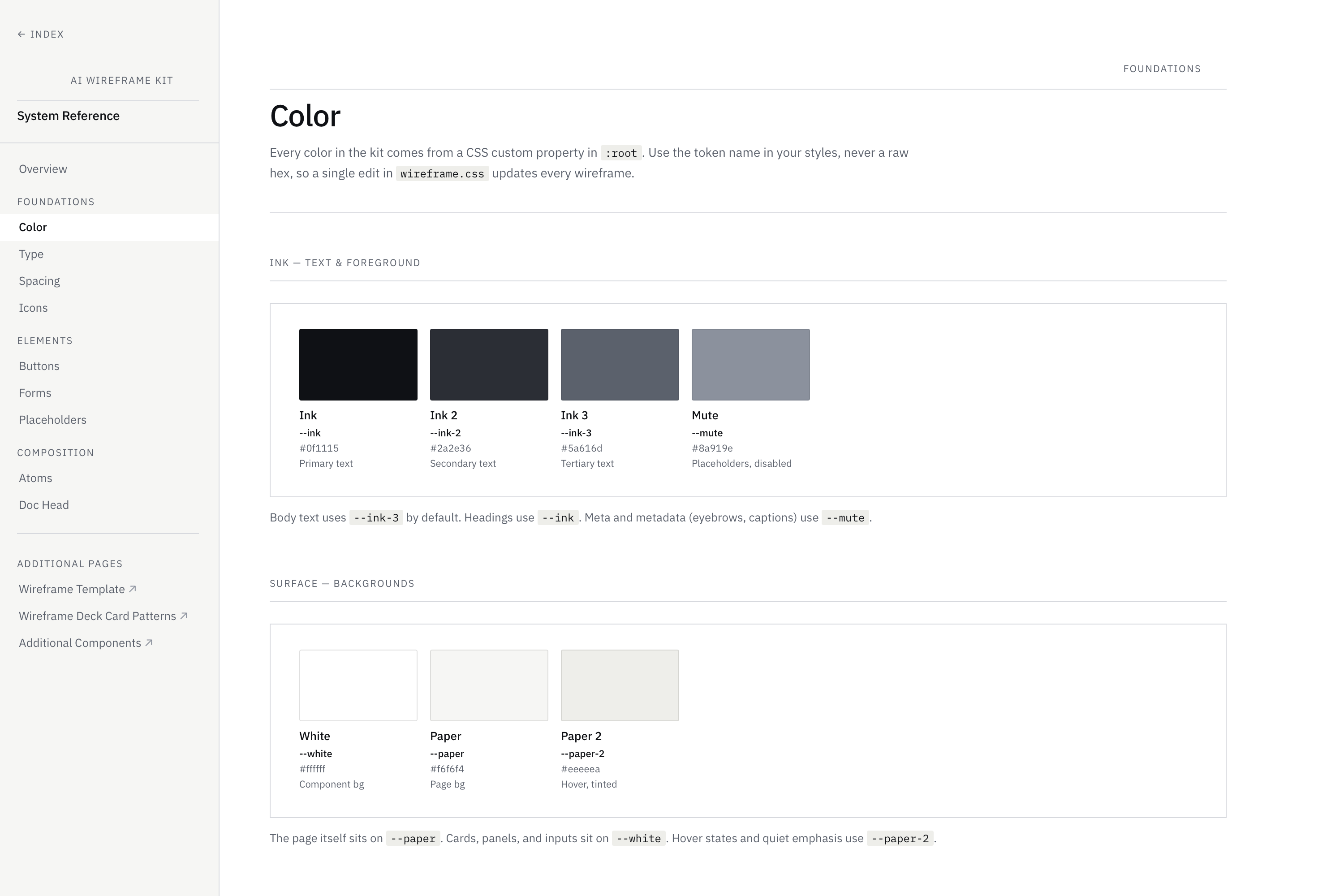
Every wireframe in a project links to a single CSS file. Edit colors, fonts, buttons ... and your changes are reflected on all pages.
Go from AI prompts to consistent HTML wireframes, complete with CSS styles and components. View in a browser, edit with more prompts.
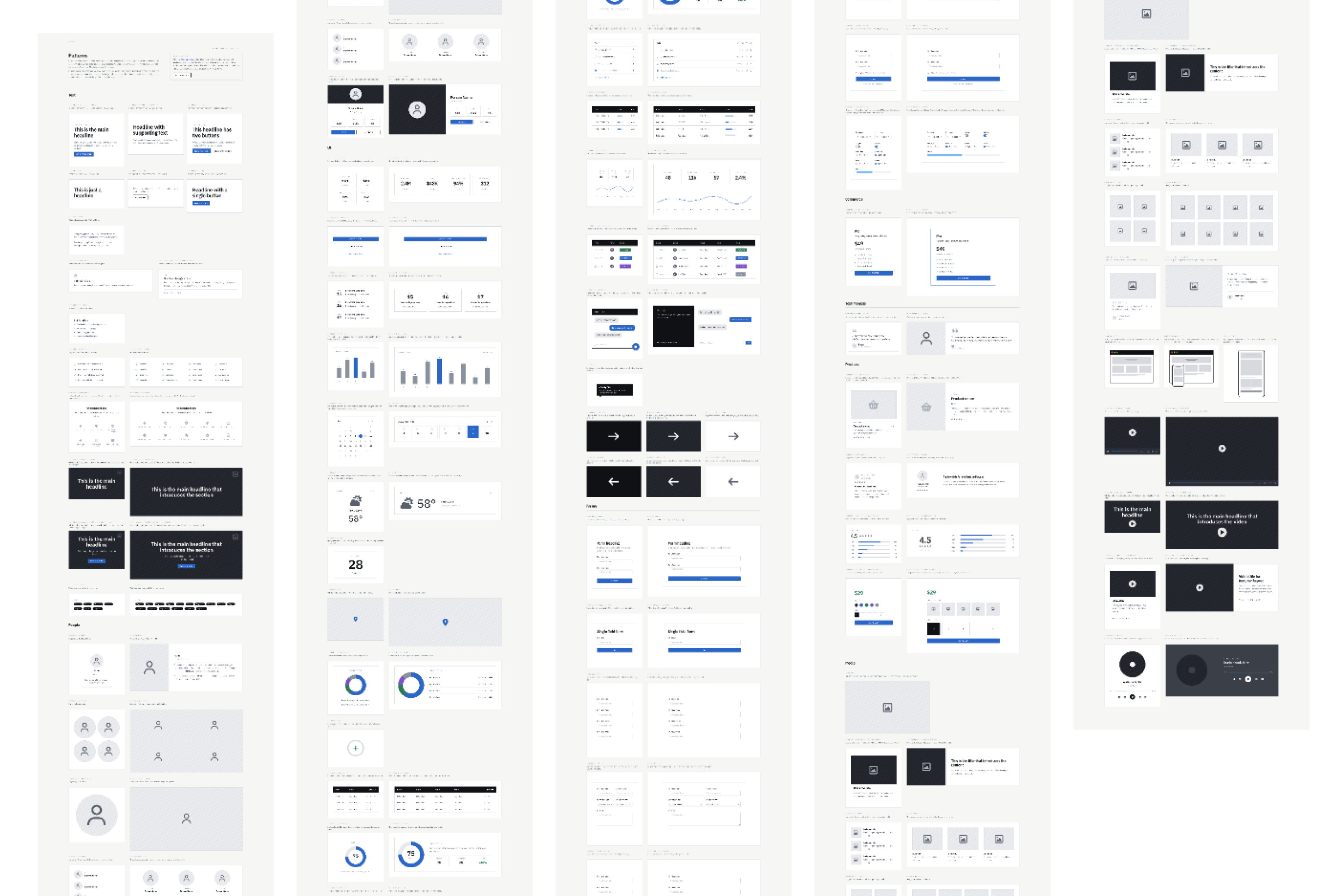
A browsable multi-page library of styles for color, type, spacing, icons and more, plus components for the building blocks for wireframes.
Photos of Wireframe Deck card layouts become wireframes in the same shared styles. You can even draw extra cards on our Dot Grid deck and AI will translate.
Copy the starter project with a table of contents, wireframe examples for desktop and mobile and a full CSS system.
Screen-share with a client or teams, or host the wireframes on a website and send a link. Add links and states for clickable prototypes. After all, it's just HTML.
Build from a prompt or deck photo, plus a claude.md and context.md (for you to fill out) so AI knows the system and project from the start.
Add our entire library of matching components and tokens. Connect with MCP or edit in Figma for the same look and feel as your HTML wireframes. Plus, a 3rd AI skill takes you directly from a deck photo in AI chat to the custom plugin to wireframes in Figma.
"I went from a client brief to 12 screens in an afternoon. That used to take two days in Figma."
"Clients love opening wireframes in a browser. No Figma account required on their end — game changer."
"The CLAUDE.md file is the clever bit. Claude knows every component. Zero prompt engineering on my end."
"Wireframing is now profitable for my studio. Delivery went from 3 days to an afternoon."
"We use it on every new project. The AI saves hours on early-stage wireframes that would've been billed time."
"I went from a client brief to 12 screens in an afternoon. That used to take two days in Figma."
"Clients love opening wireframes in a browser. No Figma account required on their end — game changer."
"The CLAUDE.md file is the clever bit. Claude knows every component. Zero prompt engineering on my end."
"Wireframing is now profitable for my studio. Delivery went from 3 days to an afternoon."
"We use it on every new project. The AI saves hours on early-stage wireframes that would've been billed time."
UX Kits AI HTML Wireframes works with the tools you already use. Everything you need to wireframe faster.